
Sea Monster puts members in an underwater shooting screen where every target, cannon setting, and reward marker affects the pace of each round. On GPERYA, members aim, fire, change weapon levels, and follow moving creatures while the game records shot costs and successful hits. This article is written for members and players seeking clear rules, target reading, and control before a real-money session.
How Sea Monster works across underwater shooting rooms
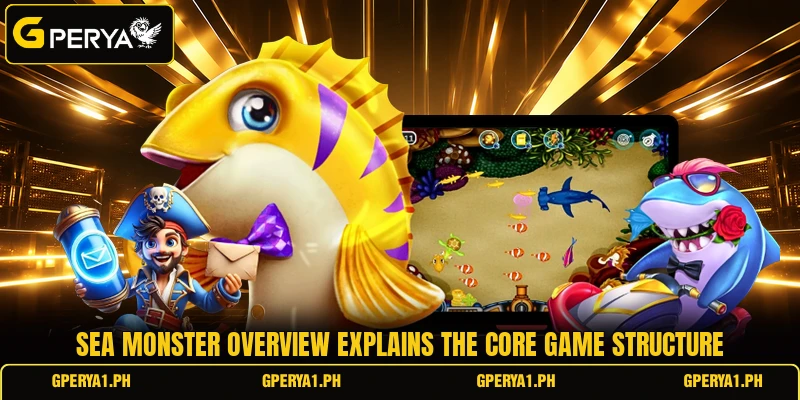
The game presents an ocean field with small creatures, larger enemies, and special targets moving at different speeds. Members control a cannon, choose a shot level, and fire at selected targets while GPERYA tracks costs and registered results. A round of Sea Monster depends on direct aiming and timing, keeping members involved until the chosen target leaves the screen.
Each creature can show a value, symbol, or reward condition that helps members judge whether another attempt makes sense. In Sea Monster, a PHP 2 shot against a x20 target represents PHP 40 under a simple multiplier example when the hit qualifies. Members should read the room display, weapon panel, and target notes because values and conditions can change between versions.
How aiming rules shape each shooting round
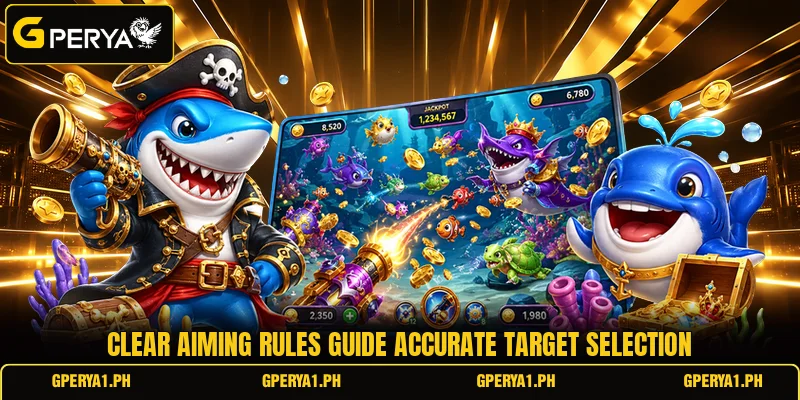
Sea Monster becomes easier to follow when members separate basic firing rules from movement patterns appearing across the ocean field. Every shot has a cost, targets stay available briefly, and the game rewards only hits meeting the displayed conditions.
Reading target values before firing
Small targets often move quickly, while larger creatures may stay visible longer and carry different values or special conditions. Members should read the number, icon, or multiplier beside each target because visual size alone may not explain its value. This keeps each decision connected to information shown on screen instead of relying on color, animation, or position.
A USD 0.05 shot aimed at a x30 target represents USD 1.50 under a direct multiplier example when listed conditions are met. The same screen may show lower-value creatures more often, giving players several choices during one active round. Members can compare shot cost, target value, movement speed, and screen time before deciding whether another attempt fits.
Using Sea Monster target windows
Large enemies may enter from one side, cross the center, pause briefly, then leave after a limited shooting window. In Sea Monster, members can watch that path first and begin firing after the creature reaches a clearer area with fewer overlapping objects. This reduces aim changes and keeps the cannon focused on one intended target for consecutive shots.
Some rooms may show lock-on, rapid-fire, freeze, or area effects, depending on the version and controls available. Members should read each tool’s condition before activating it and use the feature when the target pattern matches its function. A lock function is more useful when a valuable creature remains visible long enough for repeated shots to stay directed toward it.
Choosing shots around moving creatures
Fast creatures can cross the lower screen quickly, while heavier targets may follow slower paths allowing more time for repeated attempts. Players should watch the first movement line, place the crosshair carefully, and adjust after seeing how the cannon responds. This approach uses visible motion and control feedback instead of spreading shots across several creatures without a clear reason.
View more: Golden Toad – Rules, Features, Spins, And Payout Guide
During Sea Monster rounds, overlapping targets can crowd the screen when small fish pass in front of larger enemies or special objects. Members can wait for a cleaner angle, shift toward another lane, or select a creature whose path is easier to follow. Clear targeting matters because frequent direction changes can spend extra shots without keeping the cannon aligned with the intended object.
Better shooting methods for tougher ocean rounds
Sea Monster can become harder when valuable targets appear together, movement speeds increase, or special creatures remain visible briefly. Players can respond by reading patterns earlier, matching weapon levels to target conditions, and saving special mechanics for suitable moments.
Track movement before repeated shots
Watching one movement path can show where a creature enters, which lane it follows, how quickly it turns, and where it leaves. Members can position the cannon earlier and reduce late shots fired after the target is almost outside the active field. This is useful when several creatures follow predictable horizontal, diagonal, or curved routes across the underwater screen.
In Sea Monster, repeated shots work better when the chosen target stays inside a stable aiming line instead of passing behind moving objects. Players should pause when the screen becomes blocked, then resume after the intended creature returns to a clearer position. That brief delay can improve shot placement because every attempt remains connected to a visible target and understandable movement pattern.
Use weapon levels with purpose
Higher weapon levels can raise each attempt’s cost, while lower settings allow more shots within the same PHP or USD amount. Members should connect the selected level to the target because maximum power may not suit every small creature on screen. A stronger choice is to compare current cannon cost with the displayed target value before changing the setting.
When a stronger enemy appears, members may raise the weapon level after confirming the creature will remain visible for several controlled attempts. If the target is near the edge, changing power too late can leave little time for the new setting to matter. Players should make level changes while the path remains clear and the cannon can stay focused on one moving object.
Time special tools around bosses
Boss-style targets can create crowded moments because smaller creatures continue moving through the same part of the screen. Members should check whether a special tool has a duration, charge limit, targeting condition, or cooldown before using it. Activating a feature too early can waste part of its effect before the larger target reaches a useful firing position.
Players can watch for screen warnings, entry animations, or marked paths showing when a major target is becoming fully available. A freeze or lock effect may work better after that target reaches the center, where repeated shots have more time to register. The main idea is to connect special-tool timing with visible events instead of pressing every feature immediately after it becomes available.
View more Category: Fish
Conclusion
Sea Monster offers direct shooting built around moving targets, visible values, weapon choices, and timed attacks that make careful screen reading important. Members using GPERYA should review each room’s displayed rules, multipliers, and tool conditions before placing PHP or USD shots in a live session. Register, open the game, learn the controls, and begin your next ocean round with clear aim and good luck.
